
Colour grade a photo with one look
Grade colour pushes a whole image towards a look in one step, the way a colourist would grade a film.
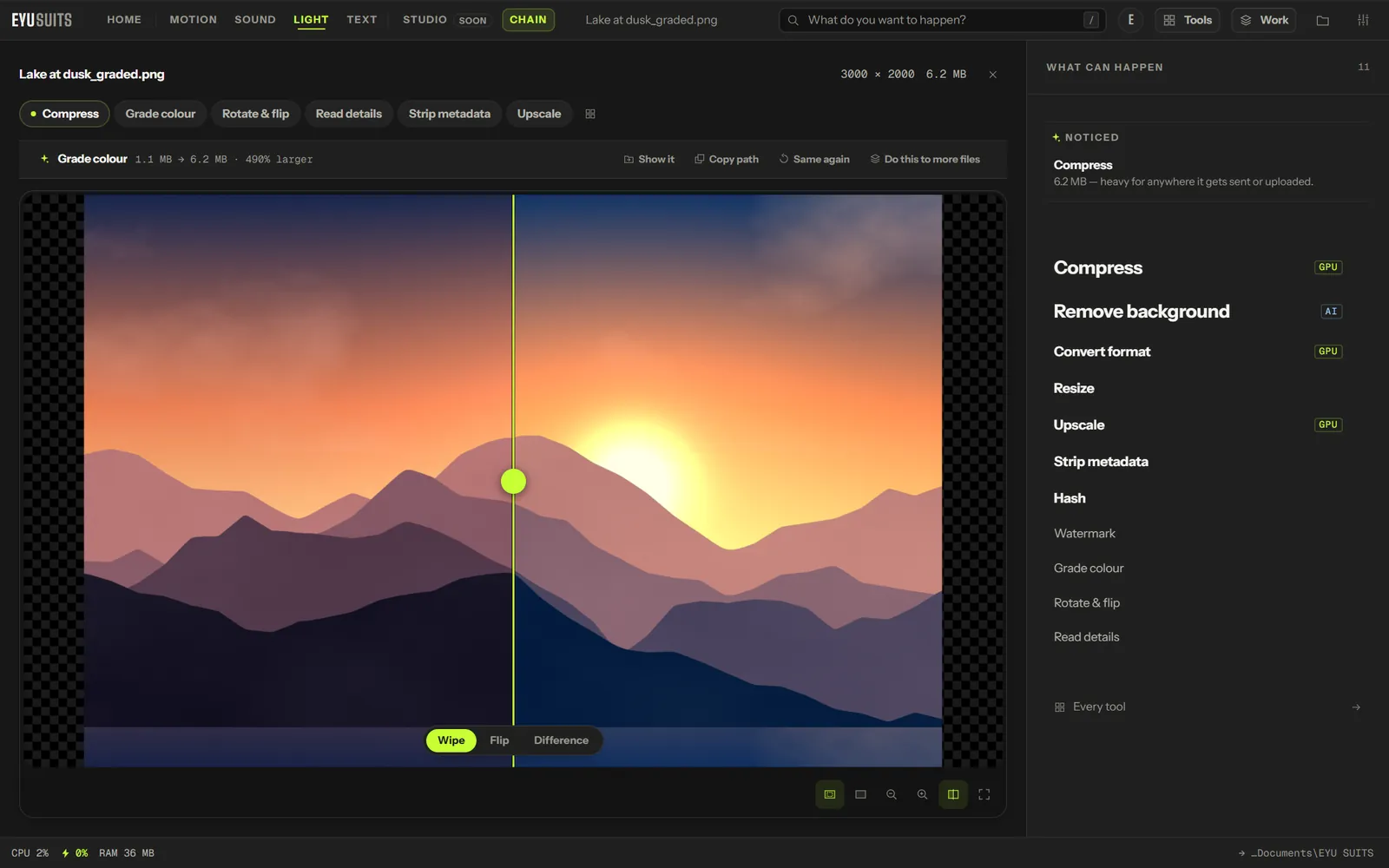
What it does
- Teal and orange, the cinematic look.
- Vintage, Warm, Cool and Noir.
- An intensity control from subtle to full.
What you can set
- Look: teal and orange, vintage, warm, cool or noir.
- Intensity: from 0 to 1.
Works with
Images (PNG, JPG, WEBP, GIF, BMP, TIFF, AVIF and HEIC).
How it works
- 01Open the file in EYU SUITS: drop it anywhere in the window, or press Choose a file.
- 02Pick Grade colour from the tools listed beside it, and change the settings if you want to. The defaults are a sensible start.
- 03Press Run. The result is saved to your EYU SUITS folder, and the original is left as it was.
Questions
Can I keep the grade subtle?
Yes. Lower the Intensity until it looks right.
Does it change my original?
No. The graded image is saved as a new file.
More in Light
-
Remove background
Cut the subject out and leave the rest transparent.
-
Upscale
Rebuild it at a larger size without going soft.
-
Resize
Fit the image inside exact dimensions.
-
Rotate and flip
Fix the orientation.
-
Watermark
Stamp your name across it so a copy stays traceable.
-
Strip metadata
Remove EXIF and GPS data before you share it.