
Upscale images and video with AI
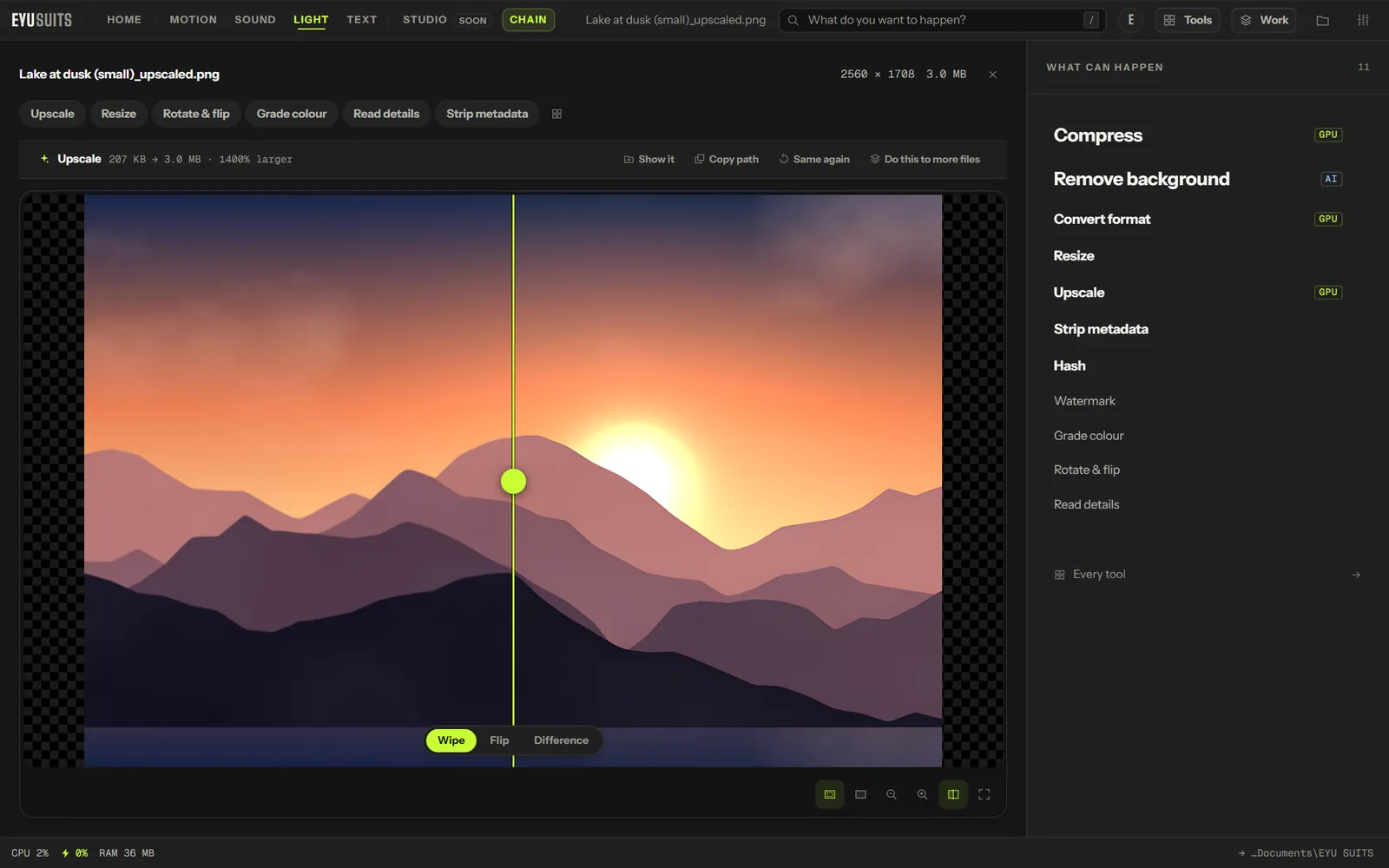
Upscale rebuilds an image or a video at a larger size, adding detail instead of blurring it. It runs Real-ESRGAN on your own graphics card, for photographs, real footage, and drawn artwork.
What it does
- Images at 2x, 3x or 4x, with a model for photographs and one for drawn artwork.
- Video rebuilt frame by frame on the graphics card, at 2x, 3x or 4x.
- Video beyond 4K, up to 8K, is encoded as AV1 on graphics cards that can.
- For video, an AI strength control that blends back towards the original, and sharpening.
- Double the frame rate of a video while you are at it.
What you can set
- Scale: 2x, 3x or 4x.
- Model: photographs or real footage, or drawn artwork and animation.
- Denoise and Sharpen, for images.
- AI strength, Sharpen and Double the frame rate, for video.
Works with
Images (PNG, JPG, WEBP, GIF, BMP, TIFF, AVIF and HEIC) and video (MP4, MKV, MOV, AVI, WEBM, M4V, MPG, WMV and FLV).
How it works
- 01Open the file in EYU SUITS: drop it anywhere in the window, or press Choose a file.
- 02Pick Upscale from the tools listed beside it, and change the settings if you want to. The defaults are a sensible start.
- 03Press Run. The result is saved to your EYU SUITS folder, and the original is left as it was.
Questions
Can it take 1080p to 4K or 8K?
Yes. 2x takes 1080p to 4K, and 4x takes it to 8K.
Which model should I choose?
The photographic model for photos and real footage. The animation model for drawings, anime and cartoons.
More in Light
-
Remove background
Cut the subject out and leave the rest transparent.
-
Resize
Fit the image inside exact dimensions.
-
Grade colour
Push the whole image toward a look.
-
Rotate and flip
Fix the orientation.
-
Watermark
Stamp your name across it so a copy stays traceable.
-
Strip metadata
Remove EXIF and GPS data before you share it.