
Convert video, audio and image formats
Convert format rewrites a file into the format you need. Video, audio and images each get their own list of targets, plus presets aimed at where the file is going, so you do not need to know what YouTube or Discord expect.
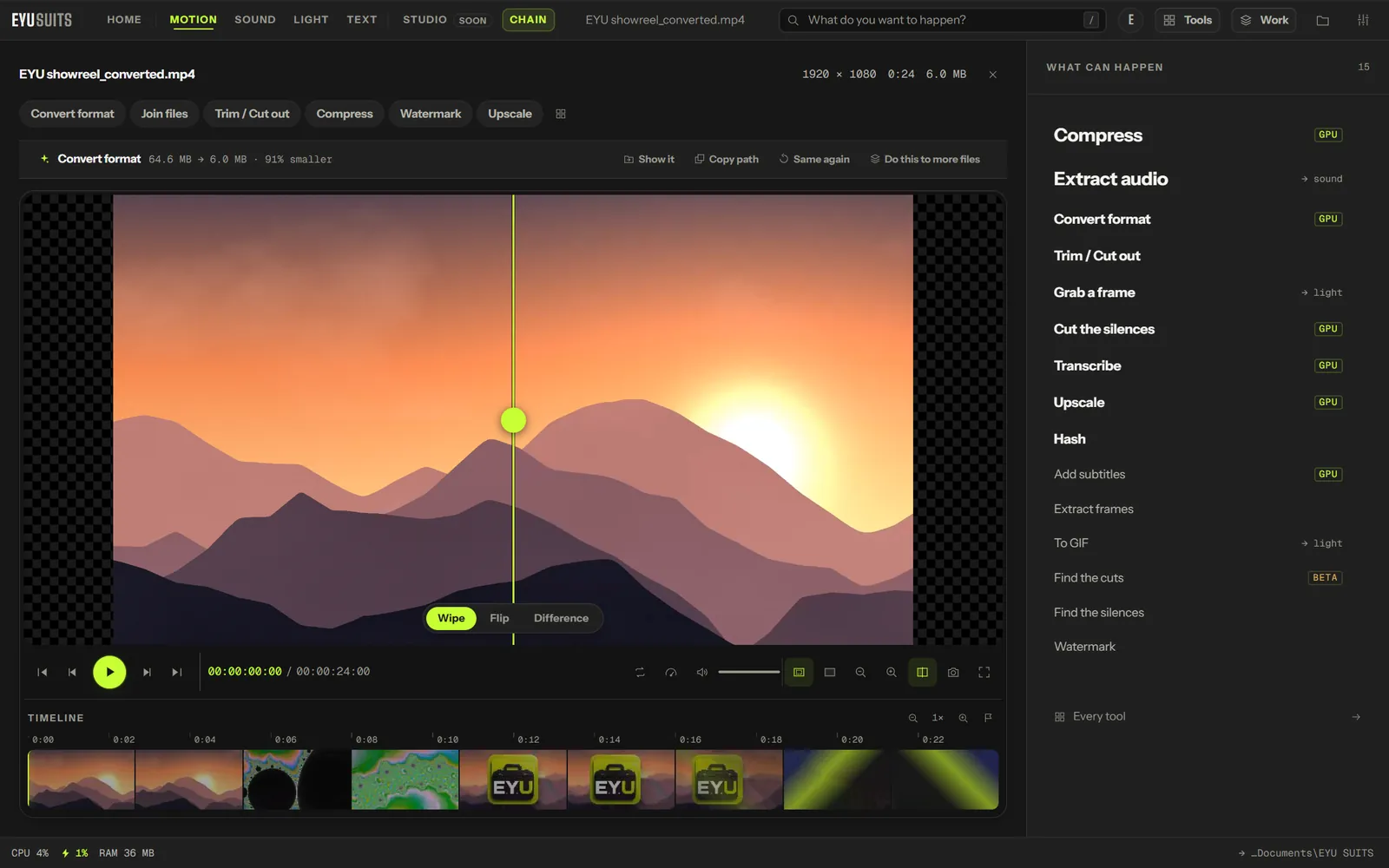
What it does
- Video to MP4, MKV, WEBM, MOV or AVI.
- Audio to MP3, WAV, FLAC, M4A, OGG or OPUS.
- Images to PNG, JPG, WEBP, TIFF or BMP.
- Presets for YouTube 1080p and 4K, Discord under 8 MB, TikTok and Instagram, archiving, or the smallest usable file.
- Video is encoded on NVIDIA, Intel Quick Sync or AMD hardware when it is there, or on the processor.
What you can set
- Format: the file type you want back.
- Aimed at: a preset for where the file is going, or nothing in particular.
- Encode with: whatever is fastest on this computer, a particular graphics card, or the processor only.
- Quality: for images, how much detail a lossy format keeps.
Works with
Video (MP4, MKV, MOV, AVI, WEBM, M4V, MPG, WMV and FLV), audio (WAV, MP3, FLAC, M4A, AAC, OGG, WMA, OPUS and AIFF) and images (PNG, JPG, WEBP, GIF, BMP, TIFF, AVIF and HEIC).
How it works
- 01Open the file in EYU SUITS: drop it anywhere in the window, or press Choose a file.
- 02Pick Convert format from the tools listed beside it, and change the settings if you want to. The defaults are a sensible start.
- 03Press Run. The result is saved to your EYU SUITS folder, and the original is left as it was.
Questions
Can it make a video small enough for Discord?
Yes. Choose the Discord preset and EYU SUITS aims for a file under 8 MB.
Does converting lose quality?
Converting to a lossless format such as WAV, FLAC or PNG keeps everything. Lossy formats such as MP4, MP3 and JPG trade some detail for size, and the presets keep that trade sensible.
More in Motion
-
Compress
Make the file smaller while holding on to quality.
-
Trim / Cut out
Keep one section, or take several out of the middle.
-
Join files
Play several files back to back as one.
-
Add subtitles
Put a subtitle file onto the video, painted in or on a track.
-
Extract audio
Pull the soundtrack out as its own file.
-
Grab a frame
Save one moment as a still image.