
Download your videos from a link
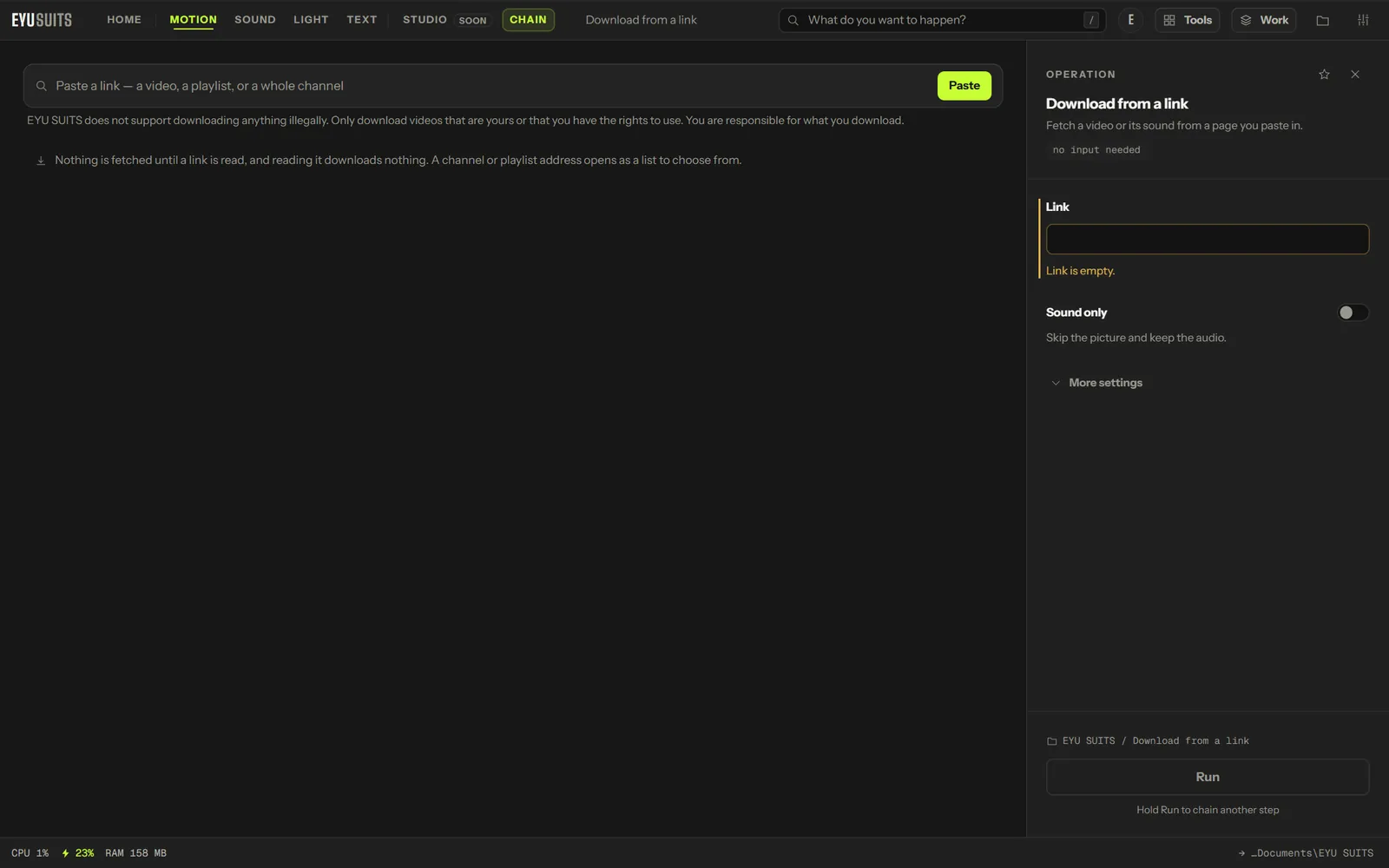
Download from a link saves a video, or only its sound, from a page you paste in. It is for your own uploads and for material you have the rights to use.
What it does
- Paste the page link and choose the video or only its sound.
- Video as MP4, MKV or WEBM.
- Sound as MP3, M4A, WAV or FLAC, at 128, 192 or 320 kbps.
- Subtitles too, when the page has them.
What you can set
- Link: the page the video is on.
- Container: MP4, MKV or WEBM.
- Sound only, with the audio format and bitrate.
- Subtitles too.
Works with
Links to pages that host a video.
EYU SUITS does not support downloading anything illegally. Only download videos that are yours or that you have the rights to use. You are responsible for what you download, and for following the terms of the site you download from.
How it works
- 01Open Download from a link in EYU SUITS.
- 02Paste the page link, and choose video or sound only.
- 03Press Run. The file is saved to your EYU SUITS folder.
Questions
Which sites does it work with?
Many video sites, and pages that host a video directly. If a link cannot be read, EYU SUITS says so.
Can I download somebody else's video?
Only if you have the rights to it: it is yours, its licence allows it, or you have permission. Most sites' terms forbid downloading other people's videos, and EYU SUITS does not support doing that.
More in Motion
-
Compress
Make the file smaller while holding on to quality.
-
Convert format
Rewrite the file into another format.
-
Trim / Cut out
Keep one section, or take several out of the middle.
-
Join files
Play several files back to back as one.
-
Add subtitles
Put a subtitle file onto the video, painted in or on a track.
-
Extract audio
Pull the soundtrack out as its own file.