
Enhance audio for podcasts, vocals or studio sound
Enhance shapes the tone of a recording for a particular kind of listening. It is a chain of classic studio processing, filtering, a tone curve, a noise gate and a final level, set up for you by a single choice.
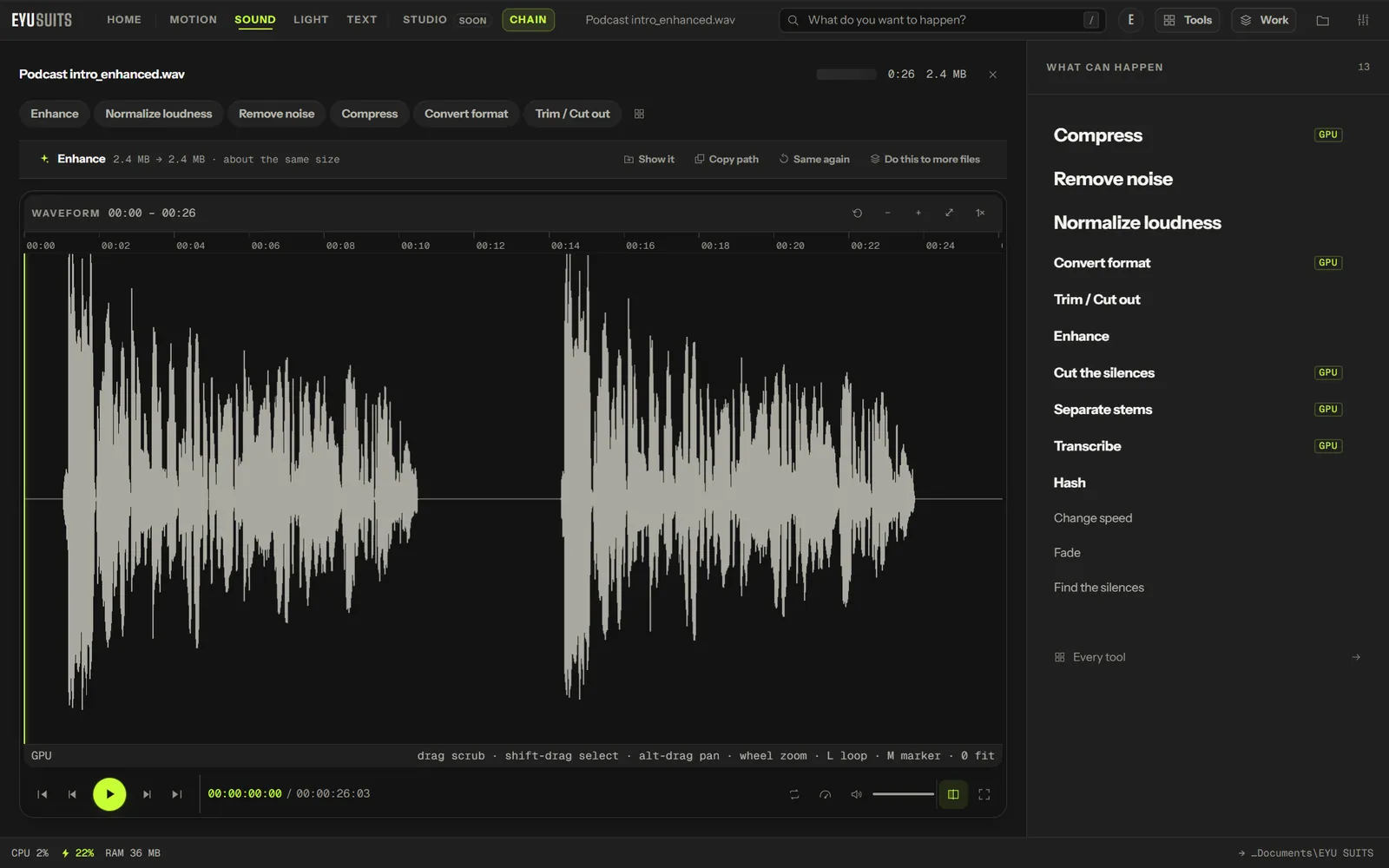
What it does
- Studio: full and wide.
- Podcast: speech pushed forward.
- Vocal: narrow and present.
- Dynamic: keeps the swings between quiet and loud.
What you can set
- For: studio, podcast, vocal or dynamic.
Works with
Audio (WAV, MP3, FLAC, M4A, AAC, OGG, WMA, OPUS and AIFF).
How it works
- 01Open the file in EYU SUITS: drop it anywhere in the window, or press Choose a file.
- 02Pick Enhance from the tools listed beside it, and change the settings if you want to. The defaults are a sensible start.
- 03Press Run. The result is saved to your EYU SUITS folder, and the original is left as it was.
Questions
Is Enhance an AI tool?
No. It is classic audio processing, the same kind of filters a studio would use, set up for you.
Which one suits a podcast?
Podcast, which pushes speech forward. If there is hiss or hum under the voice, run Remove noise first.
More in Sound
-
Remove noise
Strip hiss, hum and room tone out from under the voice.
-
Normalize loudness
Bring the whole track to a consistent broadcast level.
-
Change speed
Speed up or slow down without shifting the pitch.
-
Fade
Ease the track in at the head and out at the tail.
-
Cut the silences
Remove the dead air between phrases.
-
Separate stems
Split the mix into vocals, drums, bass and the rest.