
Extract the audio from a video
Extract audio saves the sound from a video as a file of its own. Keep it lossless for editing, or make it small for listening.
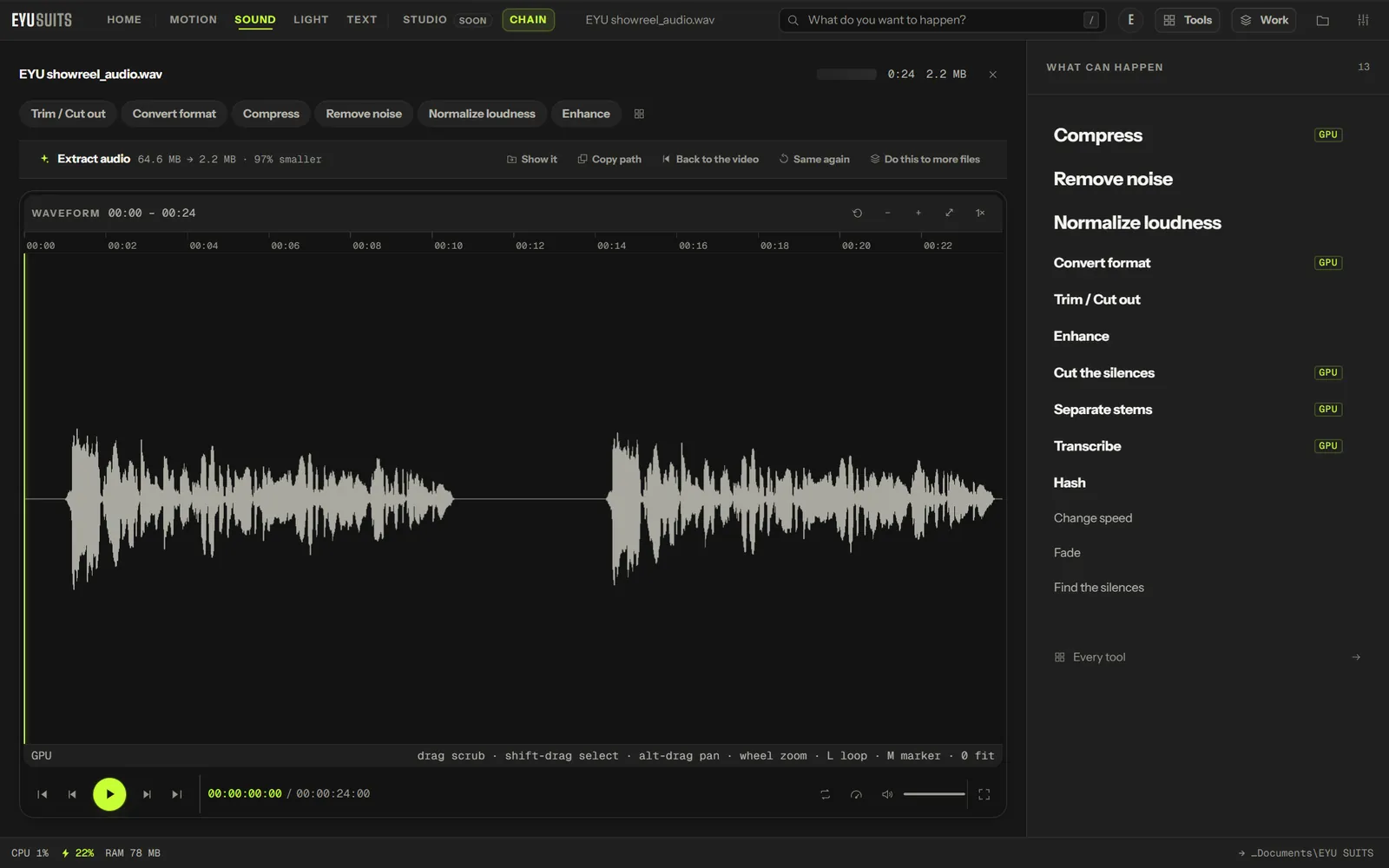
What it does
- WAV or FLAC for lossless sound you can edit.
- MP3 for a small file that plays on anything.
- M4A (AAC) for the format phones and Apple devices prefer.
- Works on every video format EYU SUITS opens.
What you can set
- Format: WAV (lossless), MP3 (small), FLAC (lossless and compressed) or M4A (AAC).
Works with
Video (MP4, MKV, MOV, AVI, WEBM, M4V, MPG, WMV and FLV).
How it works
- 01Open the file in EYU SUITS: drop it anywhere in the window, or press Choose a file.
- 02Pick Extract audio from the tools listed beside it, and change the settings if you want to. The defaults are a sensible start.
- 03Press Run. The result is saved to your EYU SUITS folder, and the original is left as it was.
Questions
Is it lossless?
Choose WAV or FLAC and the sound is saved with nothing further lost. MP3 and M4A make smaller files by compressing it.
What can I do with the sound next?
Anything in the Sound room: remove noise, even out the loudness, cut the silences, or transcribe it.
More in Motion
-
Compress
Make the file smaller while holding on to quality.
-
Convert format
Rewrite the file into another format.
-
Trim / Cut out
Keep one section, or take several out of the middle.
-
Join files
Play several files back to back as one.
-
Add subtitles
Put a subtitle file onto the video, painted in or on a track.
-
Grab a frame
Save one moment as a still image.