
Grab a still frame from a video
Grab a frame saves one moment of a video as an image. Scrub the timeline to the frame you want, choose the width, and save it: a thumbnail, a still for a post, or a reference shot.
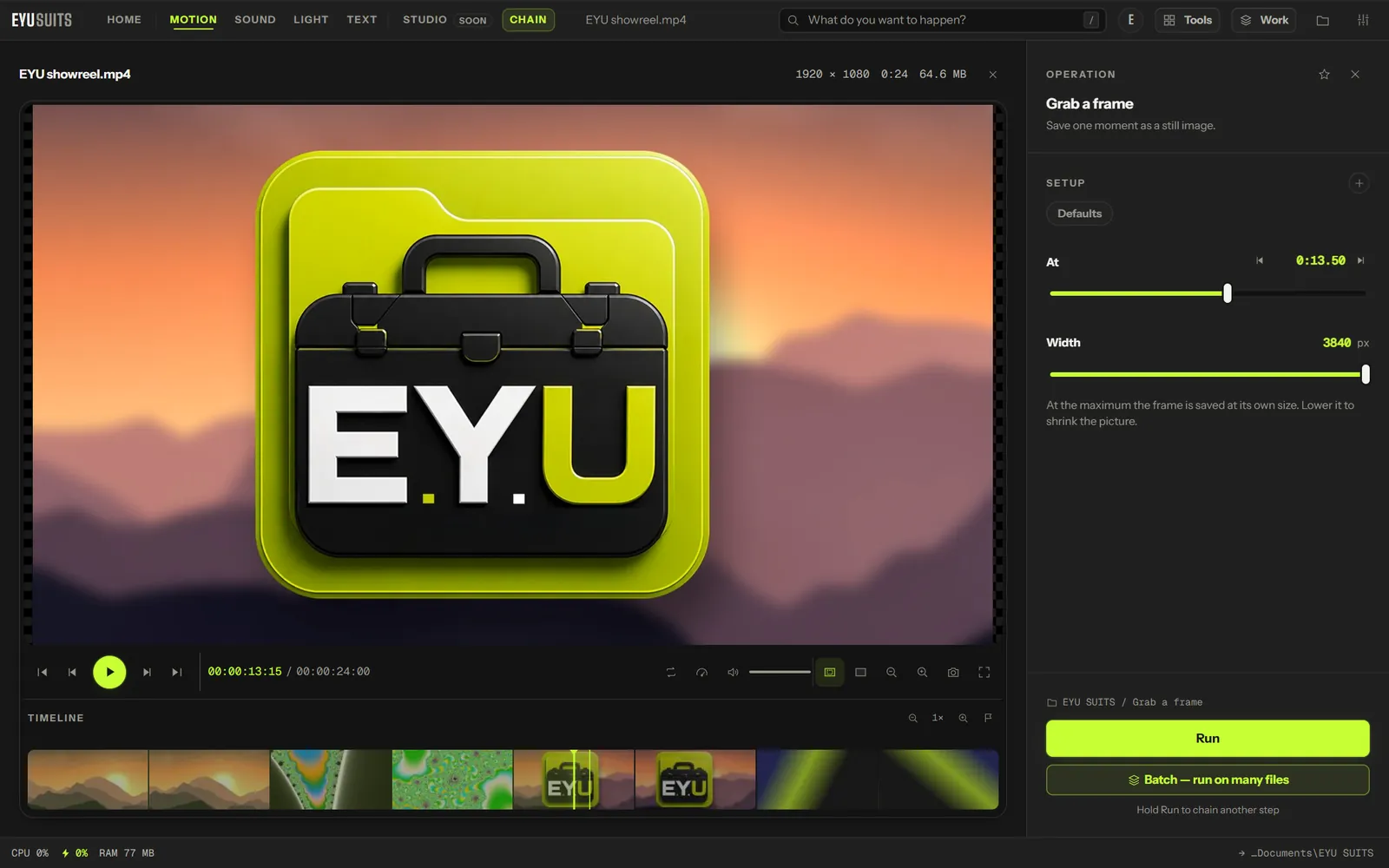
What it does
- Scrub to any moment. The preview keeps up on 4K files, landing on the frame you let go at.
- Saved as a PNG, which keeps every pixel.
- Up to 3840 pixels wide, the full width of 4K footage.
What you can set
- At: the moment to save, set by scrubbing or by typing the time.
- Width: from 320 to 3840 pixels. The height follows the video.
Works with
Video (MP4, MKV, MOV, AVI, WEBM, M4V, MPG, WMV and FLV).
How it works
- 01Open the file in EYU SUITS: drop it anywhere in the window, or press Choose a file.
- 02Pick Grab a frame from the tools listed beside it, and change the settings if you want to. The defaults are a sensible start.
- 03Press Run. The result is saved to your EYU SUITS folder, and the original is left as it was.
Questions
What format is the still?
PNG, which is lossless.
Can I save lots of frames at once?
Use Extract frames, which saves a still every so many seconds into a folder.
More in Motion
-
Compress
Make the file smaller while holding on to quality.
-
Convert format
Rewrite the file into another format.
-
Trim / Cut out
Keep one section, or take several out of the middle.
-
Join files
Play several files back to back as one.
-
Add subtitles
Put a subtitle file onto the video, painted in or on a track.
-
Extract audio
Pull the soundtrack out as its own file.