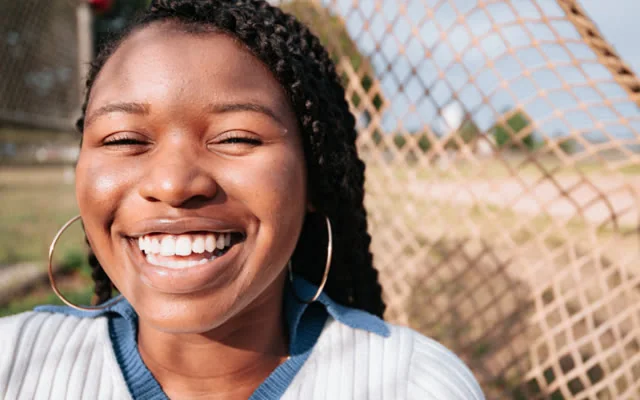
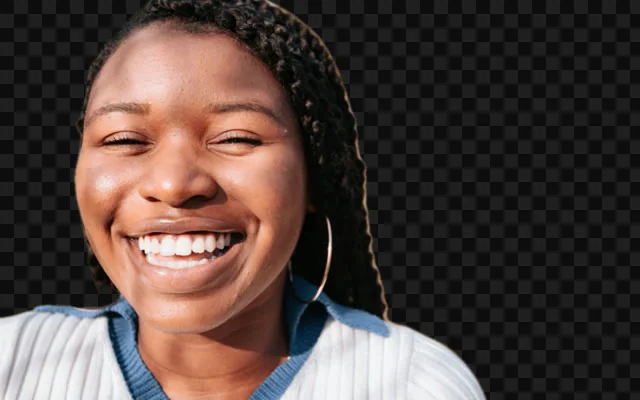
Remove background
Cut the subject out and leave the rest transparent.
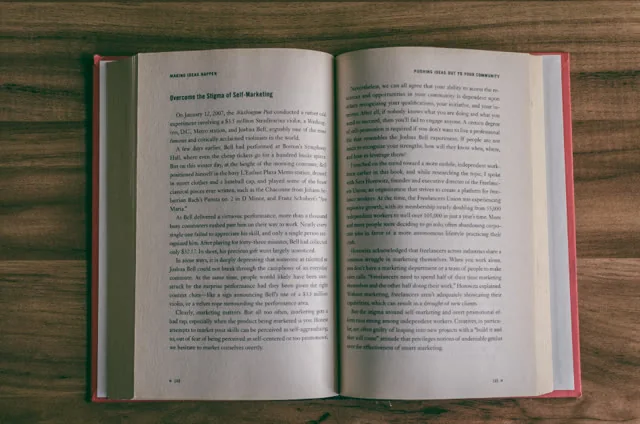
Extract text reads the words in a picture the way a person would, by their shape, not by a text layer that has to already be there. What it finds opens as an editable page, the same idea as a transcript, so a misread word gets fixed before anything is saved rather than after.
Images (PNG, JPG, WEBP, GIF, BMP, TIFF, AVIF and HEIC) and PDF.
It is built and trained for printed text -- signs, documents, screenshots, receipts. Handwriting is a different, much harder problem and is not what this is for.
Because no model reads every page perfectly. The recognised text opens the same way a transcript does -- correct what is wrong, then save -- rather than trusting the first pass and finding the mistake later, inside whatever it was pasted into.
Cut the subject out and leave the rest transparent.
Rebuild it at a larger size without going soft.
Fit the image inside exact dimensions.
Push the whole image toward a look.