
Extract images from PDF, PowerPoint, Word and Excel files
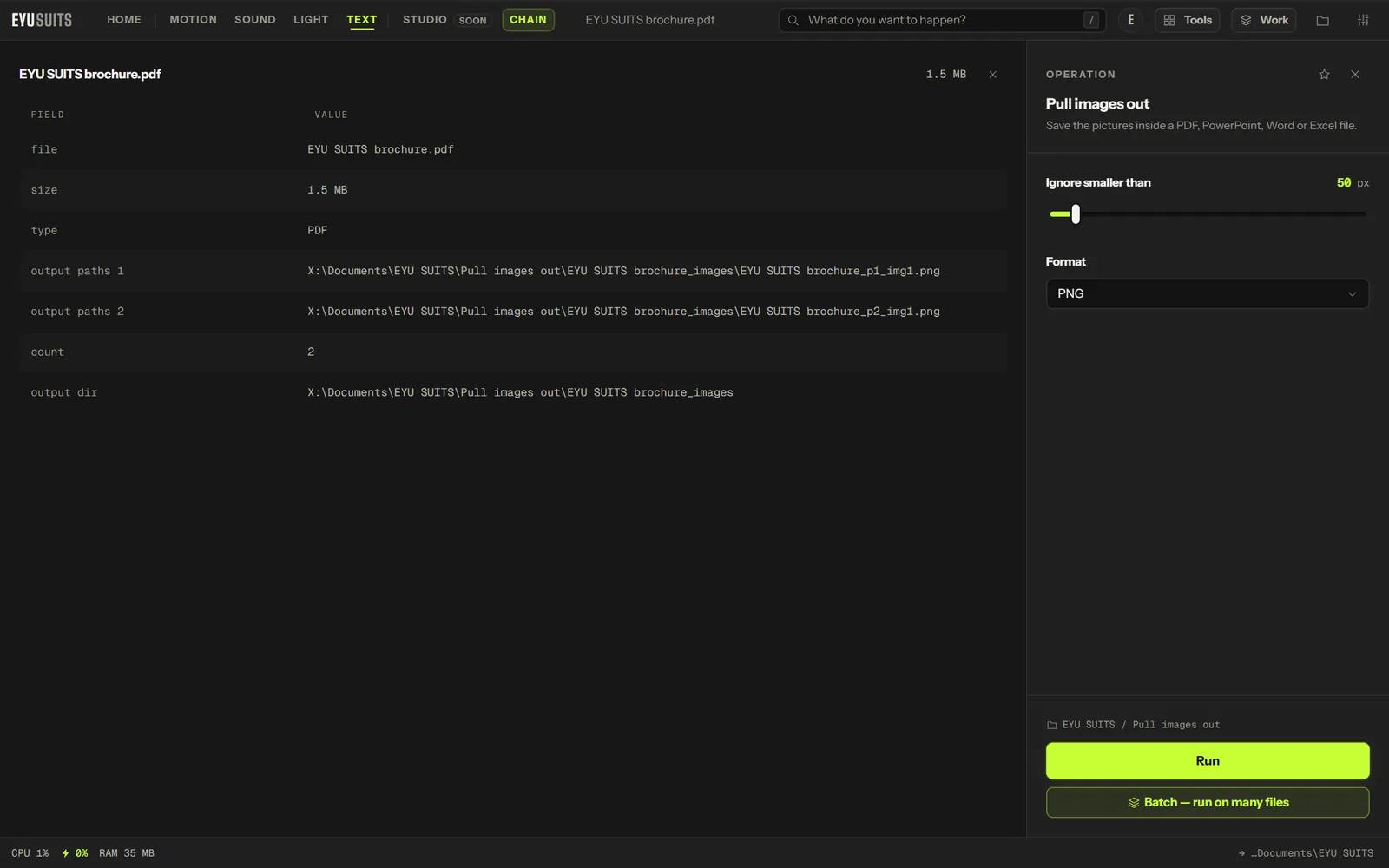
Pull images out saves the pictures inside a document, at their original resolution. It works on PDFs, PowerPoint presentations, Word documents and Excel workbooks.
What it does
- PDF, PPTX, DOCX and XLSX.
- Pictures copied out, not re-rendered, so they keep their original resolution.
- Named by slide, in the order you see the slides.
- Vector drawings (SVG and EMF) kept as they are.
- Tiny icons skipped, below a size you choose.
What you can set
- Ignore smaller than: 10 to 500 pixels.
- Format: PNG or JPG.
Works with
PDF, PowerPoint (PPTX), Word (DOCX) and Excel (XLSX).
How it works
- 01Open the file in EYU SUITS: drop it anywhere in the window, or press Choose a file.
- 02Pick Pull images out from the tools listed beside it, and change the settings if you want to. The defaults are a sensible start.
- 03Press Run. The result is saved to your EYU SUITS folder, and the original is left as it was.
Questions
Does it work on old .ppt files?
Save them as .pptx first. EYU SUITS reads the modern formats.
Why do some pictures come out twice?
When you insert an SVG, PowerPoint also stores a PNG copy, and both are saved.
More in Files
-
Split PDF
Break one PDF into several.
-
PDF to images
Render every page as a picture.
-
Rename in bulk
Give a pile of files one consistent naming scheme.
-
Find duplicates
Identical files hiding under different names.
-
What is taking the space
Break a folder down by what is actually large.
-
QR code
Turn a link or a note into a scannable square.