
Split a PDF into several files
Split PDF breaks one document into several: every page on its own, a file every so many pages, or exactly the ranges you type.
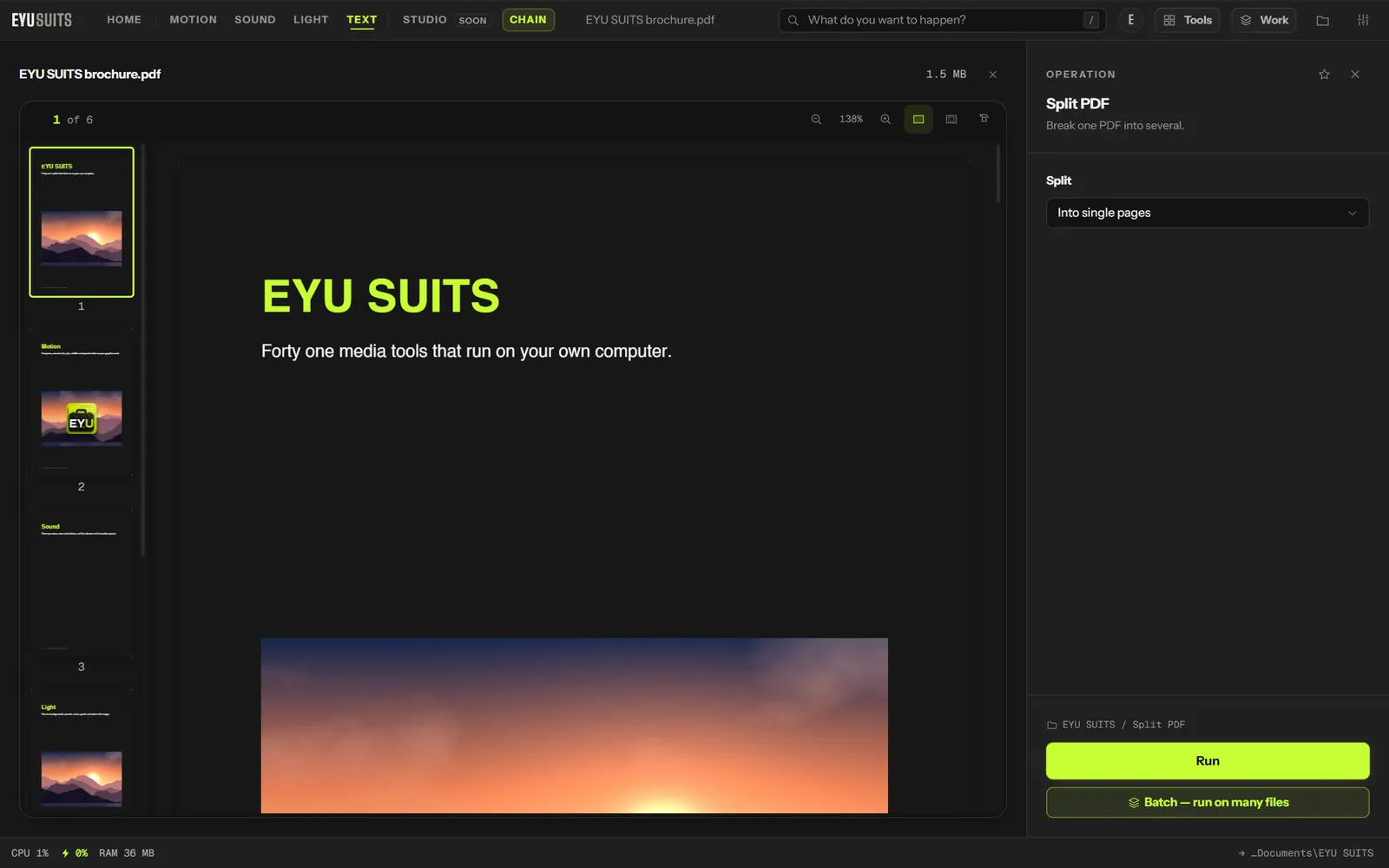
What it does
- Into single pages.
- Every N pages, from 1 to 50.
- By page ranges, such as 1-5, 6-10.
What you can set
- Split: into single pages, every N pages, or by page ranges.
- Pages per file, or Ranges.
Works with
PDF.
How it works
- 01Open the file in EYU SUITS: drop it anywhere in the window, or press Choose a file.
- 02Pick Split PDF from the tools listed beside it, and change the settings if you want to. The defaults are a sensible start.
- 03Press Run. The result is saved to your EYU SUITS folder, and the original is left as it was.
Questions
How do I write the ranges?
Separate them with commas, for example 1-5,6-10,11-20.
Can I put the pieces back together?
Yes. Join files merges PDFs into one, with a bookmark for each original.
More in Files
-
PDF to images
Render every page as a picture.
-
Pull images out
Save the pictures inside a PDF, PowerPoint, Word or Excel file.
-
Rename in bulk
Give a pile of files one consistent naming scheme.
-
Find duplicates
Identical files hiding under different names.
-
What is taking the space
Break a folder down by what is actually large.
-
QR code
Turn a link or a note into a scannable square.