
Make a QR code
QR code turns a link or a note into a square that any phone camera can scan.
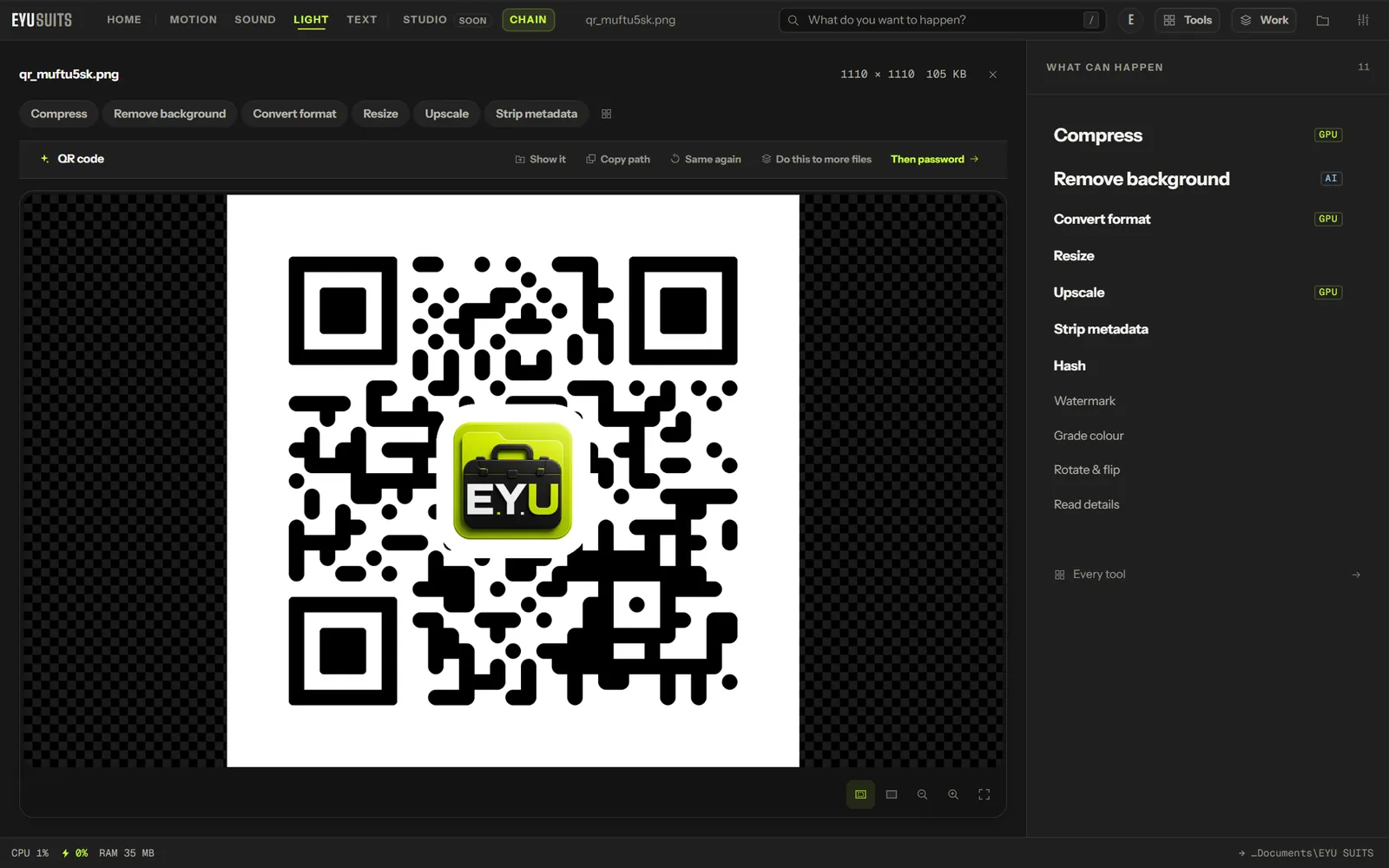
What it does
- Any link or text.
- Choose the size and the quiet border around it.
- Your own ink and paper colours.
- Saved as a PNG.
What you can set
- Contents: the link or text.
- Size and Quiet border.
- Ink and Paper colours.
- EYU logo in the centre, on or off.
Works with
Any link or text.
How it works
- 01Open QR code in EYU SUITS.
- 02Type or paste the link or the note.
- 03Press Run and save the PNG.
Questions
Will it scan with dark colours?
Keep the ink darker than the paper and leave a quiet border, and phones read it reliably.
Does the code expire?
No. It holds the link itself, and works for as long as the link does.
More in Files
-
Split PDF
Break one PDF into several.
-
PDF to images
Render every page as a picture.
-
Pull images out
Save the pictures inside a PDF, PowerPoint, Word or Excel file.
-
Rename in bulk
Give a pile of files one consistent naming scheme.
-
Find duplicates
Identical files hiding under different names.
-
What is taking the space
Break a folder down by what is actually large.